1. Extreme Lightweight Performance: Bodhi’s idle RAM usage is often 200–300MB, far below mainstream distros (e.g., Ubuntu’s 1GB+). It boots quickly (under 30 seconds on modest hardware) and runs smoothly on pre-2008 PCs with non-PAE CPUs. This is perfect for reviving old laptops or desktops, extending their life without upgrades.
For example, on a 15-year-old machine, Bodhi handles web browsing and light tasks without lag, where Windows or full Ubuntu would crawl.
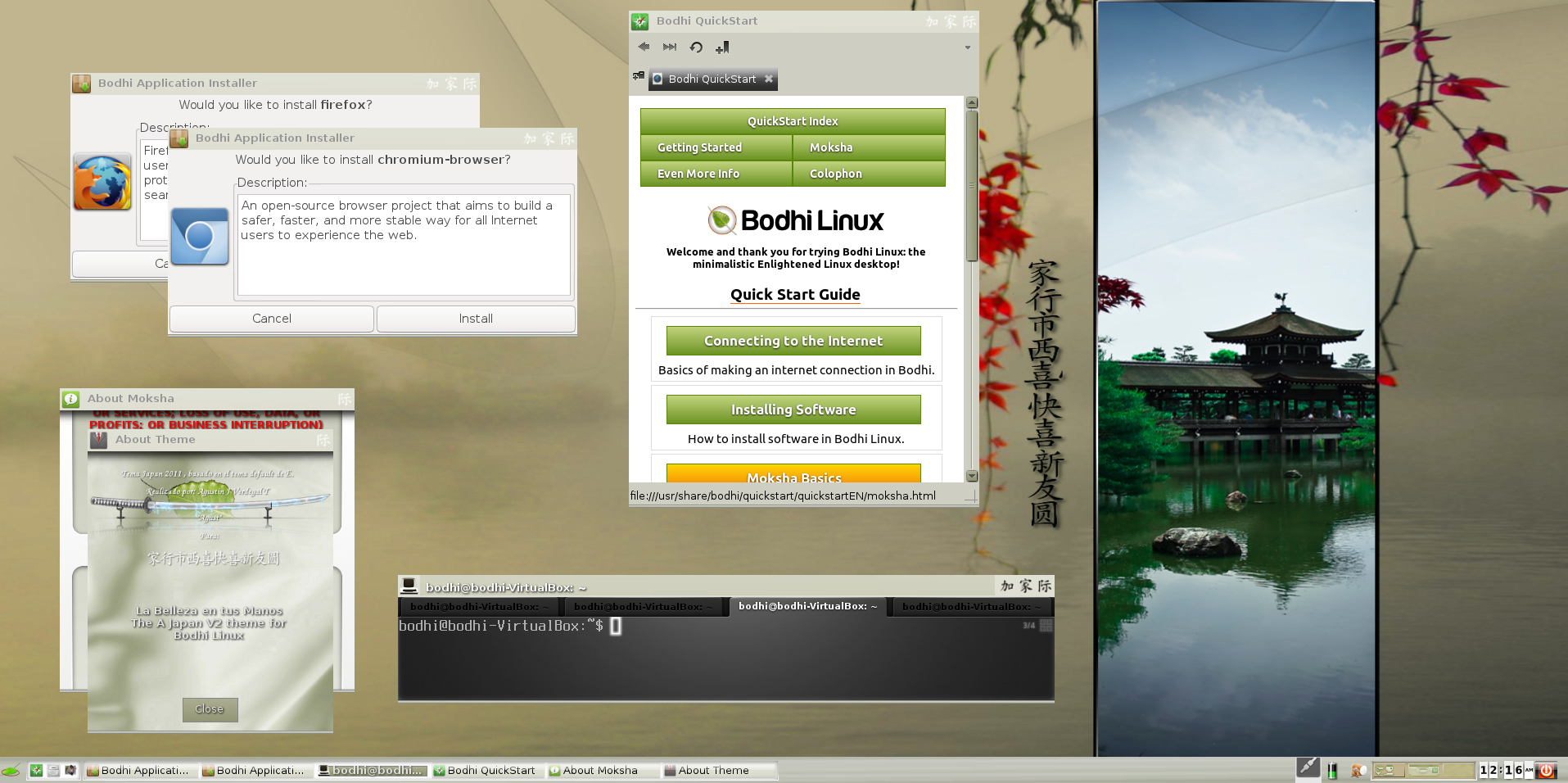
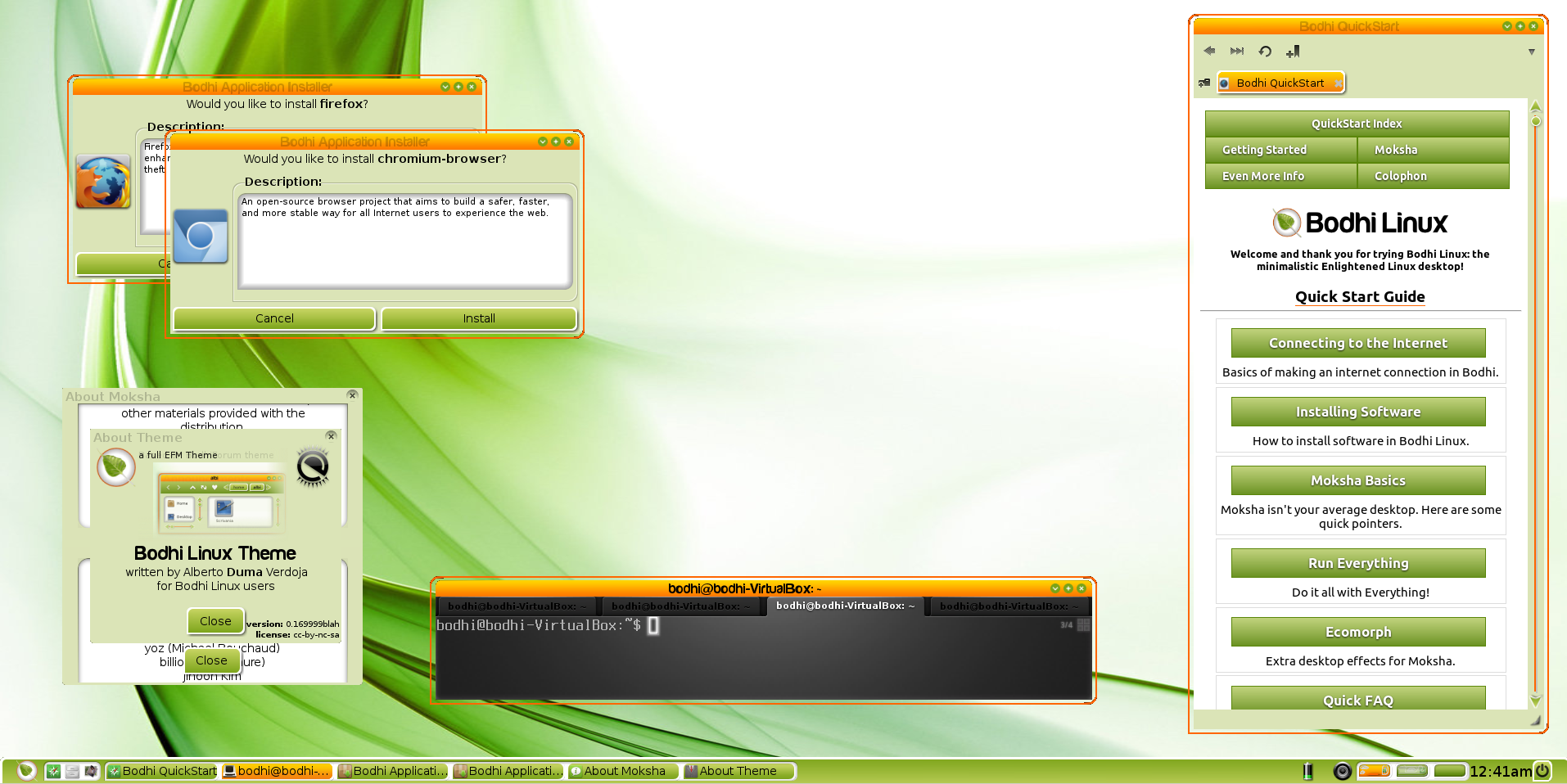
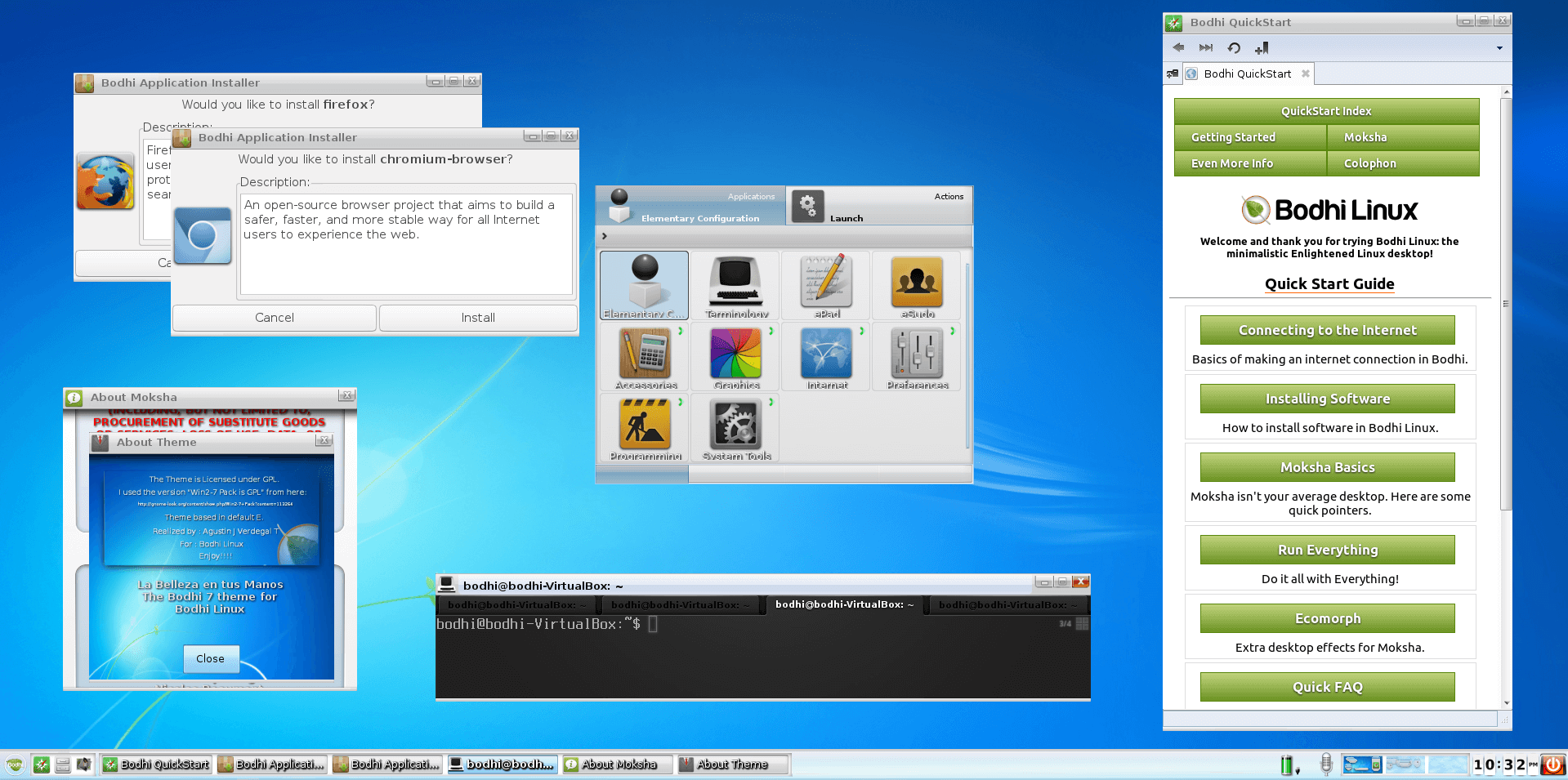
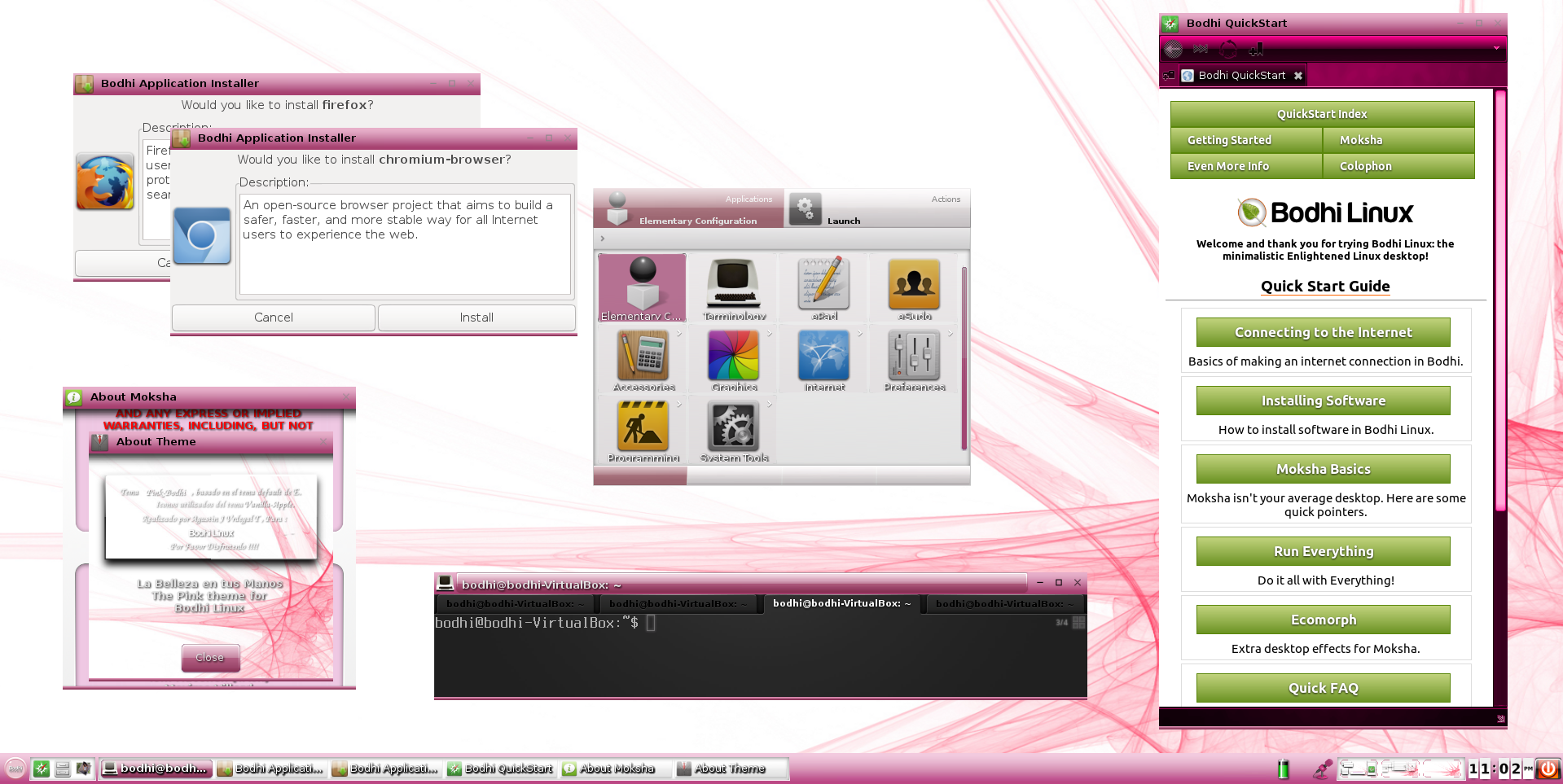
2. High Customizability via Moksha Desktop: The modular design lets you add/remove gadgets, shelves, and modules on the fly. Themes, edge bindings, and animations create a personalised setup — from Zen-minimal to feature-packed.
Users love the “enlightened” feel: right-click anywhere for menus, or bind actions to screen edges for efficient workflows.
3. Minimal Bloat and User Choice: Ships with just essentials (browser, terminal, file manager), forcing/empowering users to install only needed apps via the AppCenter. No telemetry or forced snaps like in vanilla Ubuntu. It promotes learning and efficiency, making it great for privacy-focused users.
4. Stable Ubuntu LTS Base: Inherits Ubuntu’s vast repo (thousands of apps via APT) and 5-year support, ensuring reliability without the bloat.
5. Elegant and Modern Aesthetics: Moksha combines visual flair (animations, shadows) with low overhead, making it “beautiful and configurable” per Linux.com reviews.
[1] [6] [7] [9] [10]
[11] [12] [14] [15] [17] [18]